sekimori
What you actually want to do, before what you have to do.
You got up early to read, or to study, and somehow it is time to leave and you never got there. sekimori is an alarm clock and a Gate, built to fix that.
There are roughly two ways of never getting there. Either you clear the necessary things first — email, the news, the small obligations — or you drift, through social media and video. The two feel nothing alike from the inside, but they end the same way: the thing you actually wanted to do gets pushed to last, and by then the fuel is gone.
So sekimori does not ask which kind you are. It fixes the ordering.
Available on Android (Google Play).
Why an alarm — a gate only works on a road you always take
If you tie your real work to “the mornings I manage to get up early,” the whole chain fails to catch on the days you sleep in. The alarm, on the other hand, is the one thing you pass through almost every morning. It is the least breakable trigger you have.
So sekimori is not a habit tracker. It is an alarm clock, redesigned so that the one moment you always pass through becomes the first checkpoint of the day for what you actually want to do.
The core loop
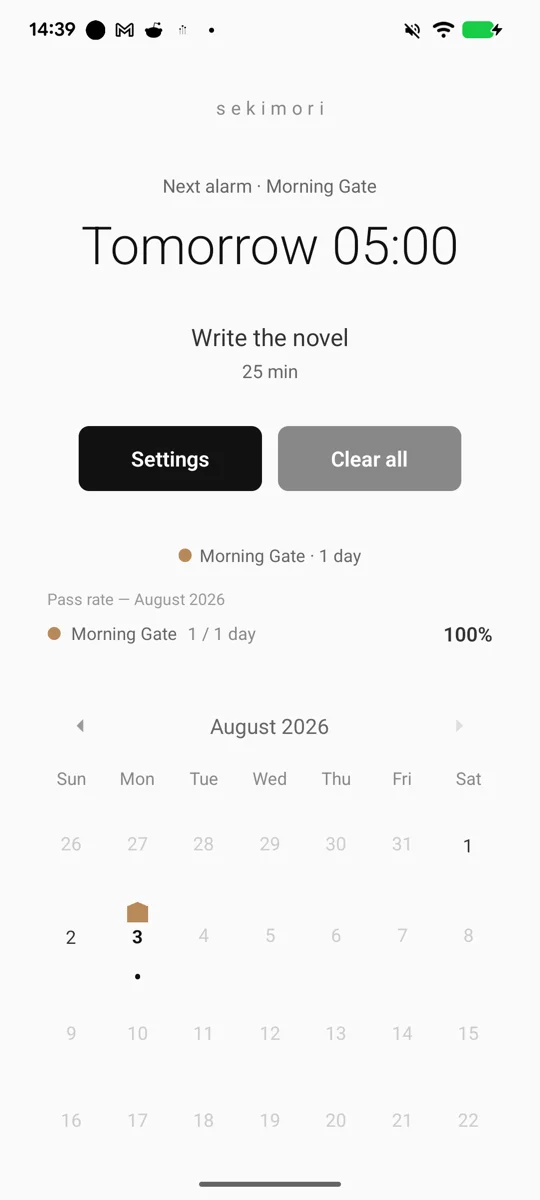
- Set it the night before — a time, what you want to do, and how long (say 06:00 / reading / 25 min)
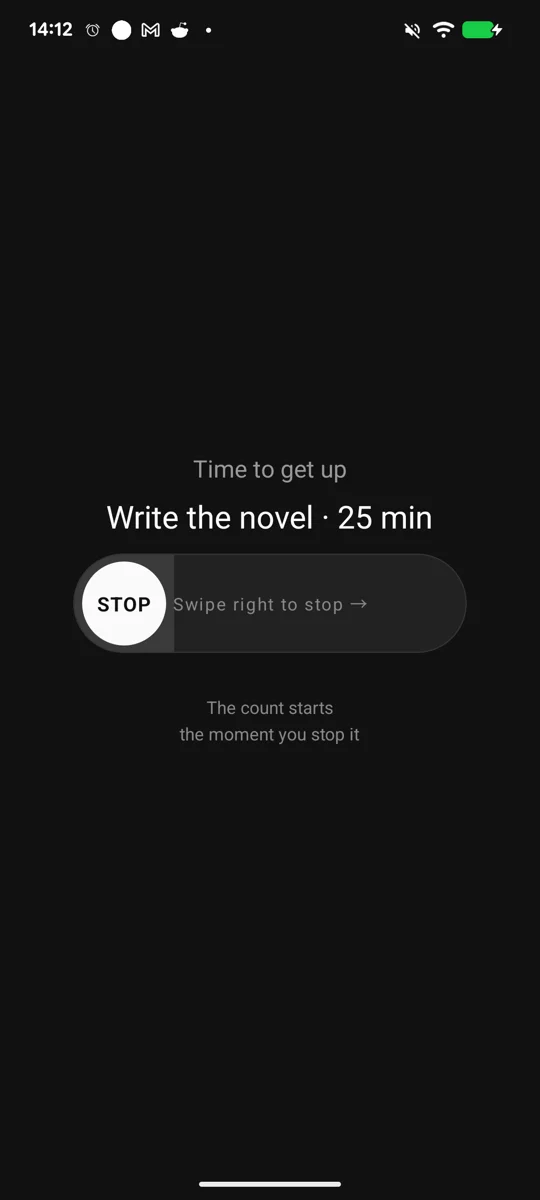
- It rings once — slide to stop. There is no snooze
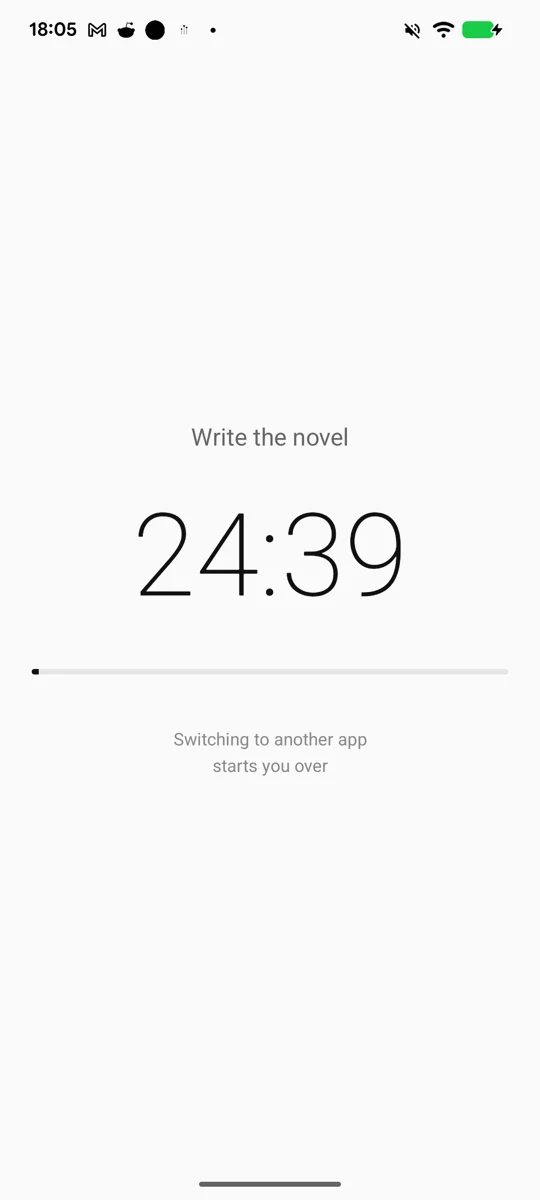
- The count starts the moment you stop it — no stopping the alarm and drifting away
- Switching to another app starts you over — screen off and face-down are fine, and the count runs on real clock time
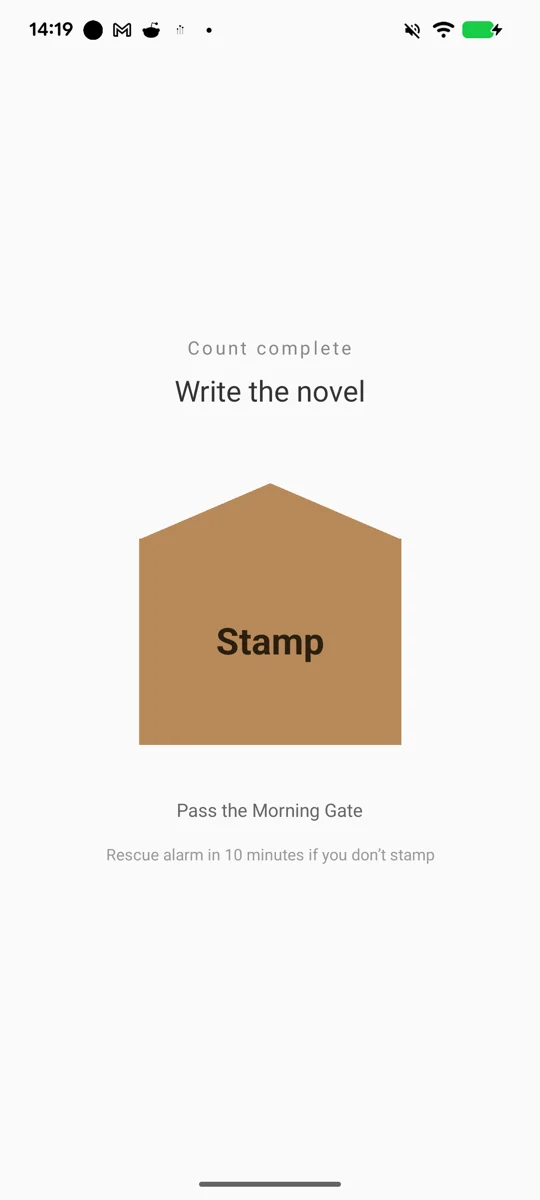
- When the time is up, the Stamp button unlocks — until then it is greyed out
- Stamp your pass — and it stacks up on the calendar
What the design is really about
- It does not keep ringing. Nobody reads a book next to a siren. So stopping the sound and passing today’s Gate are two separate things. Silence it whenever you like — the Gate still will not open until you stamp
- The pass is time-locked. Twenty-five minutes means twenty-five minutes. That is the tooth that kills stamping early and walking away. A cheap pass makes the whole record a lie
- No OS-level blocking. All the enforcement is in one thing: leave, and you start over. This app solves the problem with ordering, not prohibition
- Not too many controls. No decisions first thing in the morning. You set it the night before, and the morning costs you one gesture
The Morning Gate and the Night Gate
There are two Gates.
Nights fail in the same shape mornings do. You know you should sleep, and instead the hour slips — either into video and social media, or into more of the necessary things. Opposite causes, identical outcome.
The Gate itself, though, works the other way around at night.
A morning is an active achievement — you got up and you did it — so it needs the stamp. But what you want to achieve at night is putting the phone down. Doing nothing is the success condition.
Requiring a button press there inverts everything. The person who put the phone down and went to sleep is marked as a failure, and the person who opened the app before bed is marked as a success. The nights you pass correctly are exactly the nights that leave no record.
So at night, and only at night, not pressing is itself treated as proof of passage. Leave it alone for an hour and the pass is stamped automatically. For the same reason the Night Gate has no rescue alarm and no difficult stop gesture — those are tools for waking someone up, and they point the wrong way on a night whose correct answer is to put the phone down and leave.
Other features
- Multiple alarms, with repeat (daily, weekdays, chosen days)
- Pre-bell — rings once, five minutes before the main bell. Stopping it does not start the count
- Rescue alarm — rings again if you have not stamped after ten minutes (Morning Gate only)
- Auto-stop — stops itself after a minute with no input, and the night counts as passed (Night Gate only)
- Flashlight while ringing, and an optional winding slide to stop
- A monthly pass rate, shown separately for each Gate
- English / 日本語
Free and premium
sekimori is free. One ad is shown when the count starts — it appears while you are not looking at your phone, needs no action, and closes itself after a few seconds. No ads on the ringing, stamping, or calendar screens.
Every basic alarm feature is free: multiple alarms, repeat, both Gates, the pre-bell, the rescue alarm, the stop-gesture setting, looking back over your passes, and the pass rate. Premium (monthly, with a 7-day free trial) turns off the ad during the count, and includes every premium feature added from here on.
Privacy
Everything you enter (times, task names, passes) stays on your device. There is no cross-device sync and no cloud storage. The Google Mobile Ads SDK does send advertising identifiers in order to serve the ad. See the privacy policy for details.
Requirements
Android only (an iOS version is under consideration). On first launch it walks you through granting notifications, exact alarms, and exclusion from battery optimization. On OEM devices such as Xiaomi and Oppo, be sure to exclude sekimori from battery optimization — if the system kills it, it will not ring.
Bug reports and requests: hiranorm.support@gmail.com